

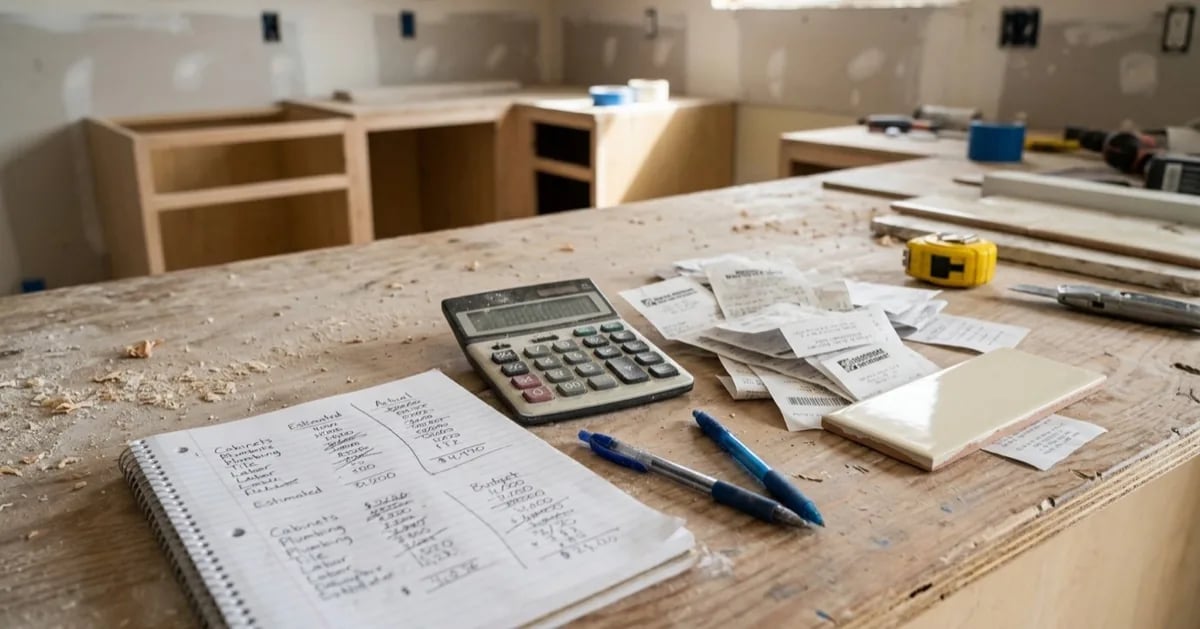
Most renovation budgets start as one number: the total you are willing to spend. That number is useful for deciding whether to begin. It is nearly useless for managing the project, because it only tells you how you are doing after the money is gone.
A better budget has two columns for every line: what you expected to pay, and what you actually paid.
Why one number fails
Imagine a kitchen budget with a single total. You spend a little more on the countertop, a little more on the sink, and the cabinets come in slightly over. Each overage feels small. Nothing triggers a decision. By the time the total is in trouble, the money is committed, and the only option left is to cut something you wanted.
With estimates and actuals side by side, the same drift is visible as it happens. The countertop is 12% over, the sink is 8% over, and you can choose to save on the lighting or the hardware while you still have room to choose.
Build the list from the room
Start by walking through the finished room in your head and listing every physical item and every service it takes to get there. For a kitchen, that usually includes:
- Cabinets and countertops
- Sink, faucet and appliances
- Flooring and backsplash tile
- Lighting and electrical work
- Plumbing work
- Paint, trim and hardware
- Demolition, disposal and delivery
- Labor, if you are hiring it
Give each line an estimate, even a rough one. A rough number you can correct beats a blank you cannot compare against.
Keep a contingency, and keep it separate
Experienced renovators commonly set aside an extra amount for the things nobody can see yet, such as old wiring or a damaged subfloor behind a wall. A frequently quoted range is 10 to 20 percent of the project, and the right figure depends on the age and condition of the home. Treat it as its own line, not as slack spread across the others. If you spread it, you will spend it without noticing.
The example below keeps its list short, with only three items, so the contingency looks large beside it. On a full project, with every line included, the same amount would be a much smaller share of the total, which is how the 10 to 20 percent guideline works out in practice.
Record the actual when you pay, not later
The habit that makes this work is small: the moment you pay for something, enter the real amount next to the estimate. Do it from your phone in the parking lot if you have to. The longer the gap, the more likely you are to forget a delivery fee or a returned item.
Include the unglamorous costs. Delivery, disposal, extra fixings and the second trip to the store all belong in the actual column.
Read the gaps, not just the total
Once a few items are paid, look at three things:
- The biggest absolute overage. One line that is a few hundred over matters more than ten that are a few dollars over.
- The pattern. If everything is running about 10% over, your estimates were optimistic, and the lines you have not bought yet probably will be too. Adjust them now.
- What is still uncommitted. The money you can still move is the money on items you have not bought. That is where to look if you need to save.
Where RenoVote fits
RenoVote keeps estimates and actual costs next to each other for every item in your plan, and each item can carry the real product link you chose. Because the favorites you voted on become tasks with their prices attached, the budget is built from the decisions you already made rather than typed in again. You can try it on a free workspace.
The short version
- One total tells you too late. Two columns tell you in time.
- Estimate every line, even roughly.
- Hold a contingency as its own line.
- Enter actual costs when you pay.
- Read the gaps, then adjust the items you have not bought yet.
The photos and illustrations on this page were created with AI.